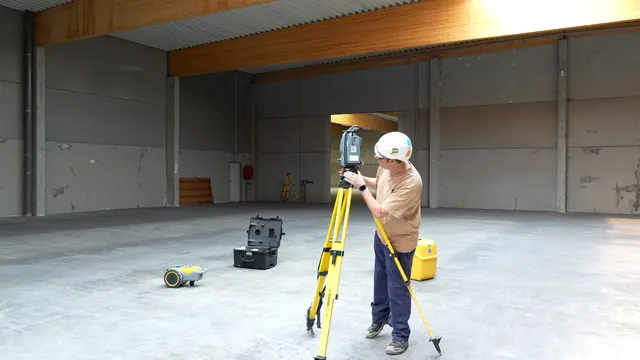









New InfraCAD versions focus on KLIC-WIN and user requests
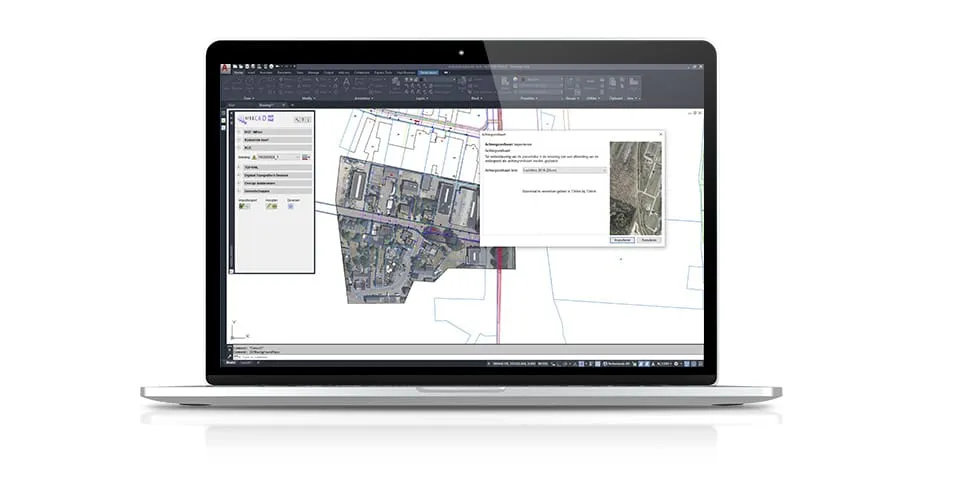
A number of new InfraCAD versions were launched in May: InfraCAD 6.5, InfraCAD Map 6.9, InfraCAD CE 6.5 and InfraCAD Map Desktop 6.3. CAD Accent has, of course, made these new versions compatible with the 2020 releases of AutoCAD, which were also released recently. In addition, considerable attention has been paid to KLIC-WIN, and the most frequently requested user features have been implemented. This article discusses the key developments.
In January this year, Kadaster introduced KLIC-WIN, a programme that modernises the exchange of cable and pipeline information and looks to the future. As a result, new Klic notifications are based on vector data (GML), providing higher quality, faster processing and more information.
Completely new KLIC module
With the introduction of KLIC-WIN, CAD Accent launched the first version of InfraCAD Map with a completely new KLIC module. During processing, all layer names are grouped by theme, significantly reducing the number of layers. This is an improvement for many users, but some users have indicated that they would still like more differentiation between layers. From InfraCAD Map 6.9 onwards, it is therefore possible to include material, diameter, pipe pressure, voltage and network operator in the layer name. Users can select which data to include in the Settings window.
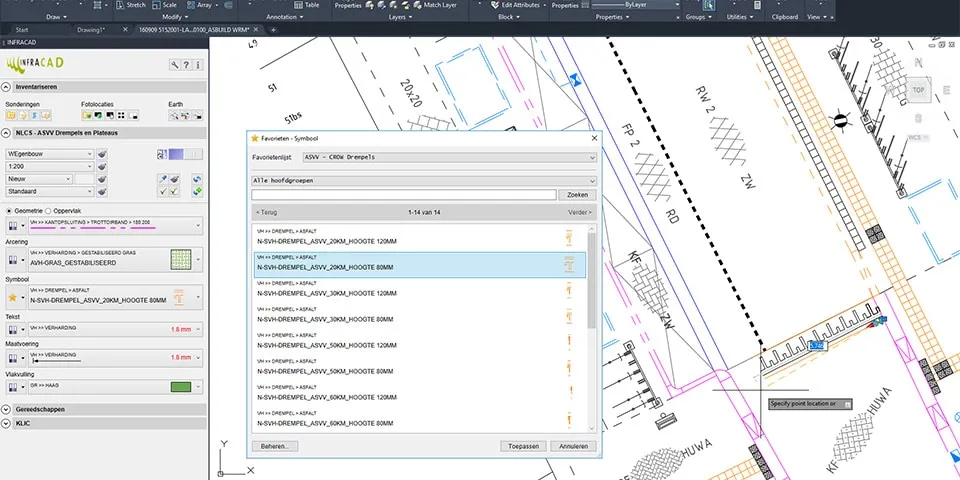
Example of a Favourites list in InfraCAD with CROW thresholds.
InfraCAD’s legend function, which automatically inserts a legend, has been adapted accordingly in the new version. This also applies to other functions such as ‘Restore properties’, ‘Captions’ and ‘Check and repair’.
There is good news for users of AutoCAD LT, Microstation and BricsCAD too: from version 6.3 onwards, InfraCAD Map Desktop includes a new KLIC module for processing KLIC-WIN notifications. InfraCAD Map Desktop 6.3 also includes a number of minor improvements, such as aligning the scale list with InfraCAD, using NGR aerial photography 2018 in the interactive viewer, and the option to save a drawing in R2018 format.
NLCS Favourites lists
Since public authorities made the NLCS mandatory, this standard has increasingly become common practice. As a result, more and more organisations are looking for ways to share NLCS information with one another.
Last year, working with NLCS Project Libraries was introduced in InfraCAD specifically for this purpose. This enables clients to develop NLCS Project Libraries with their own objects and make them available to contractors. Project Libraries can also be used within an organisation, for example to enable different departments to work with a defined set of objects.
In InfraCAD 6.5, Project Libraries have now been expanded to include Favourites lists. These enable users to group frequently used NLCS objects within a Project Library. This provides a clearer overview, allows organisations to work together more effectively and facilitates smooth checking and exchange.
Easy photo processing
Photos are being used more and more in today’s world. Almost everyone now has a smartphone, making it easy to take photos for an inventory or during construction, for example. With InfraCAD, these photos can easily be incorporated into a drawing, and a photo book can be compiled from the drawing. This makes it easy to provide a well-presented set of information. Photos can be taken in different orientations, especially with a phone: portrait or landscape, and in the latter case, with the left or right hand. This increasingly resulted in photos having to be rotated manually afterwards. From InfraCAD 6.5 onwards, the phone’s orientation is recognised and the photos are automatically rotated during processing.
Many users take advantage of the option to generate a photo book in their own corporate style. This was already possible using their own logo and colours. From InfraCAD 6.5 onwards, the InfraCAD watermark can also be replaced with a custom watermark. This also applies to the Sonderingenboek.
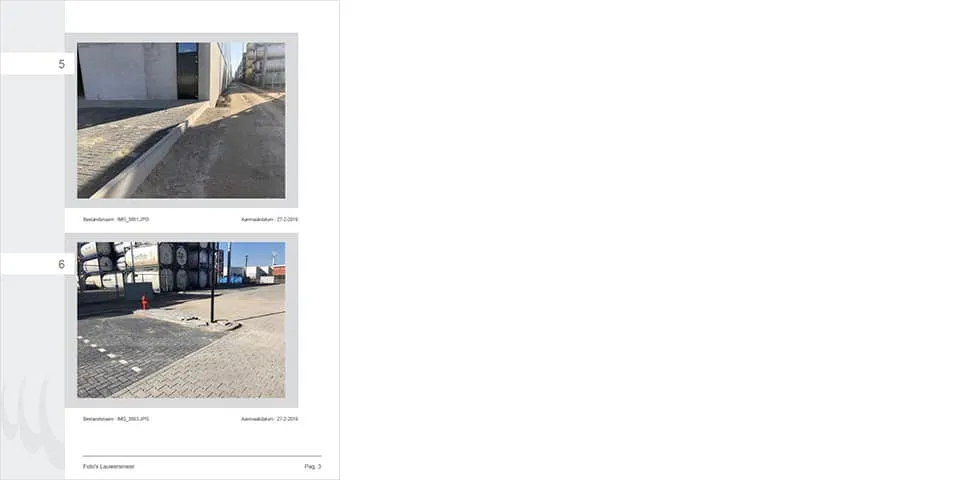
Photo book compiled from a drawing using InfraCAD.
InfraCAD CE updated in several areas
InfraCAD CE version 6.5 has also been updated in several areas, although the changes are not always immediately apparent. For example, the InfraCAD scale list has been adopted and is synchronised when both programmes are installed. The same applies to disciplines, improving how the programmes work together. When a longitudinal section contains multiple profile lines, these are now drawn correctly, and environment variables can now be included in search paths.
Want to know more about the NLCS and InfraCAD?
CAD Accent regularly runs free workshops where you can learn about the NLCS and how to work with InfraCAD.
Question about this story? Ask your question
Keep following this
Get an email when a new story is published. No account needed.
- ThemeDigitalisation from design to construction
- SubjectSpecials