








Digitising construction starts with you!
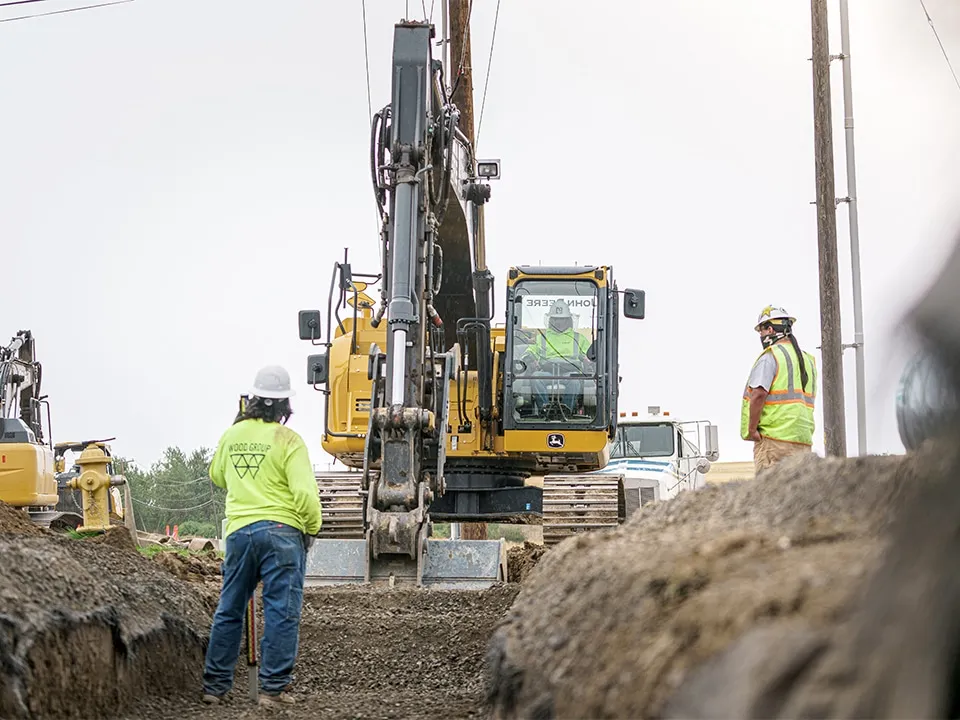
Once the base model is right, you can start excavating, moving earth, building and so on. A sound foundation helps prevent extra work and reduce the cost of errors at a later stage.
We are all aware of that. But do we really appreciate the importance of an accurate 2D drawing, and the fact that you, as a machine operator, can turn it into a usable 3D model?
“There is a lot to gain if civil engineering companies convert 2D drawings themselves into usable 3D drawings for use in the machine or surveying rover set-up.” So says Jaydee Verhoeven, now Accountmanager Machine Control at Topcon Positioning Netherlands. Verhoeven started out in Topcon’s Support Department, where he drew on his many years of field experience, extensive technical knowledge and strong affinity with the civil engineering sector. He recently wrote a white paper, available to download from the Topcon website, in which he explains step by step, with a strong focus on practical applications, how to get started with creating 3D models yourself.
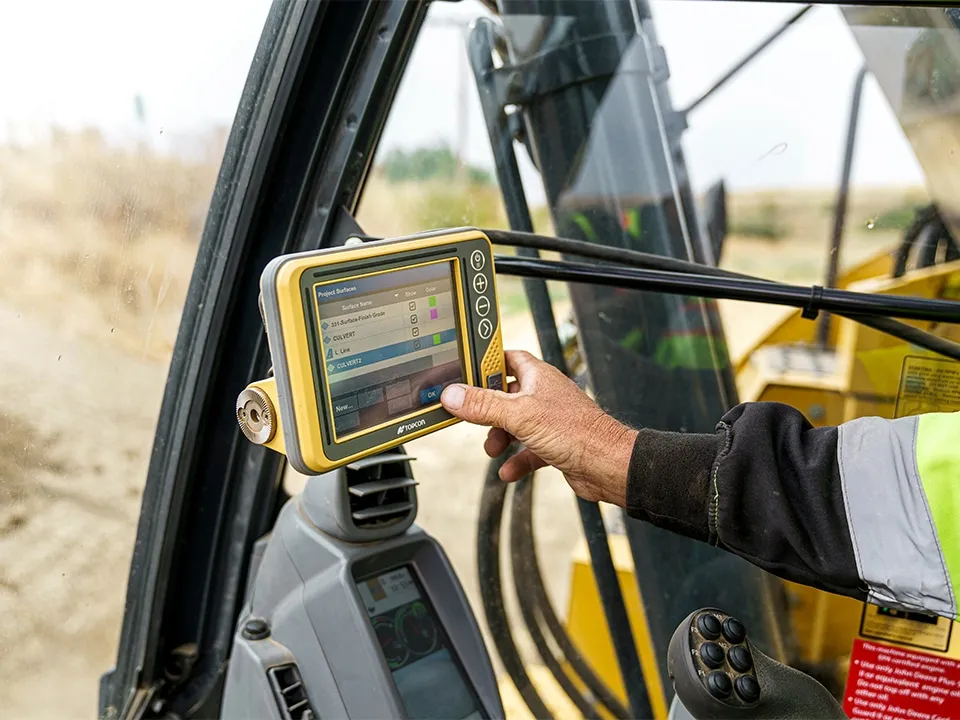
The foundation: dimensions
“It all starts with the basics, particularly the dimensions,” says Verhoeven. “A 2D drawing, a flat drawing without elevation data, and 3D drawings, with length, width and height data, can be worked out to millimetre accuracy, but it must be possible to add positioning data. So gather all the drawings, plans and information about the project. It is essential to check that the dimensions are correct and that all values are given in metres,” Verhoeven continues. “Drawings must also always include RD coordinates and the linework preparation.”
Get started yourself
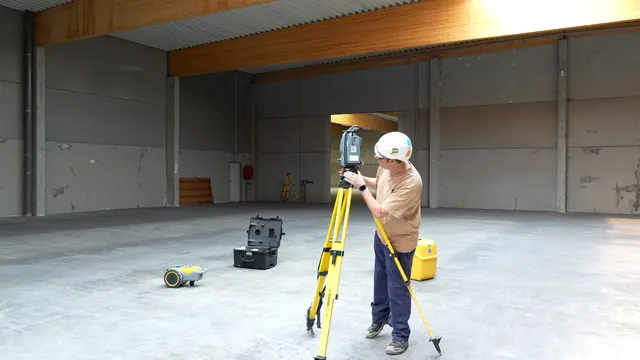
“For people working in civil engineering, using Topcon software such as MAGNET Office to turn a 2D drawing into a 3D model, or triangulation, is not at all difficult,” says Verhoeven. “If you operate machines yourself, you are already doing some of it, but in your head. You have the basics: you can read 2D drawings, visualise them in your head and on site, set up instruments and do calculations. With a little interest in new technology and the step-by-step guide in my white paper, there is no need to feel daunted, and you can get started for real. MAGNET Office makes it easy to translate the thinking you do in the field into a 3D model on your computer.”
Build it up step by step
Verhoeven recognises that it takes a little time to get the hang of it and advises starting with something simple, such as widening a ditch. “Once you have converted a 2D drawing into a 3D model, you understand how a drawing is put together and what data is needed to add that third dimension. The software does the rest of the thinking for you. As you gain experience, you will work faster and be able to take on larger projects. Before long, you will know how to build a 3D model and which references and lines the machine operator needs to work effectively in practice.”
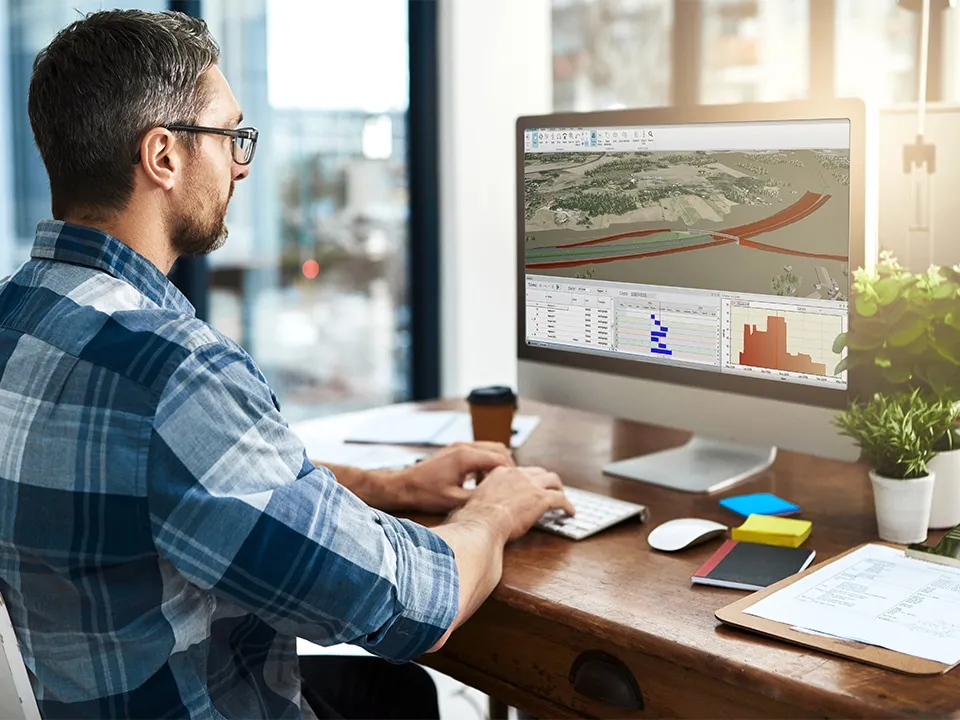
Save time and money
Using a 3D model, a machine operator can complete a job without setting-out stakes, surveyors or groundworkers. And according to Verhoeven, that is just one of the many advantages over the traditional approach. “You work more accurately and efficiently. Particularly when machines are equipped with GPS, you will reduce the cost of errors. You avoid doing work twice, and a 3D model makes it easy to discuss things with others in a clear way. All in all, it saves time and money.” Verhoeven says it is important to have this kind of knowledge in-house. “That way, you can respond faster, check more accurately, catch issues early, communicate more clearly and work more safely.”
Smart solutions
“With the right software and equipment, you can come up with smart solutions and reap the benefits. A 3D model can also be used for volume calculations. That is useful for calculating volumes and planning the earthworks balance. It helps you avoid doing work twice and invoice accurately.” Verhoeven concludes: “Don’t be afraid, it really is just a matter of getting started. The world keeps evolving, so keep developing your own skills too. If you get stuck, you can of course turn to Topcon for advice and support.”
Een zakelijke vraag aan Topcon Positioning Netherlands? Get in touch
Companies in this story

Keep following this
Get an email when a new story is published. No account needed.
- SubjectSpecials
- CompanyTopcon Positioning Netherlands