








Smoother workflows
Text and images Geometius
The solution for surveying work
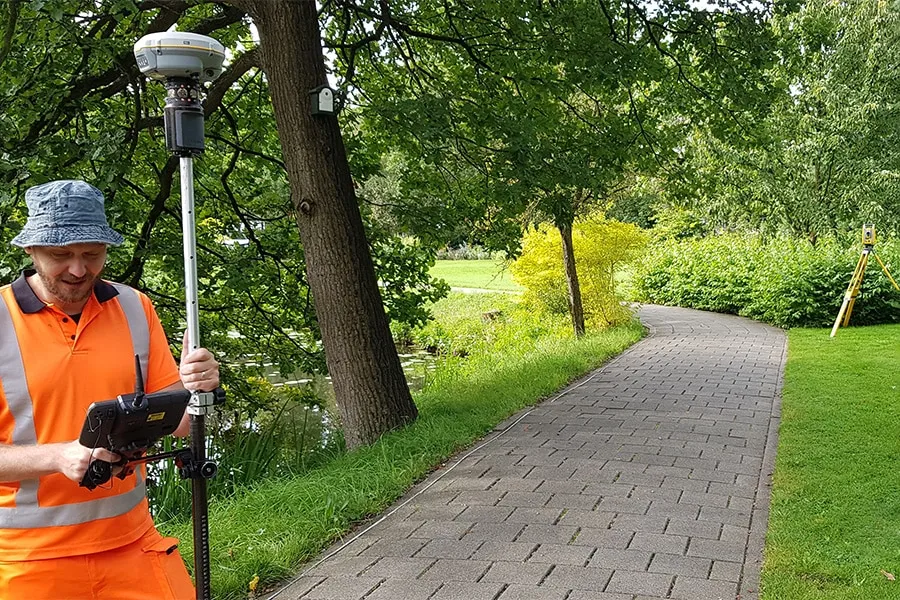
Are you already using Trimble Connect? Too often, the answer is still ‘no’. Sander van Amersvoort, one of the two owners of Siegers Landmeetkunde, is surprised by this. They have been making good use of this online platform for over four years, improving collaboration between the field and the office. He explains why.
Optimising the workflow
Sander started his career at Siegers Landmeetkunde in mid-2018 and became a co-owner in 2020. The year before, he had set his sights on optimising the workflow. According to Sander, purchasing the Trimble TSC7 was an important part of this: “With this field controller, we were able to improve both job satisfaction and the time it takes to complete our work. It is more graphical, has a larger screen and allows us to load all kinds of background maps.” To make the most of this field controller, Sander also explored the features offered by Trimble Connect.
Trimble Connect Workflow
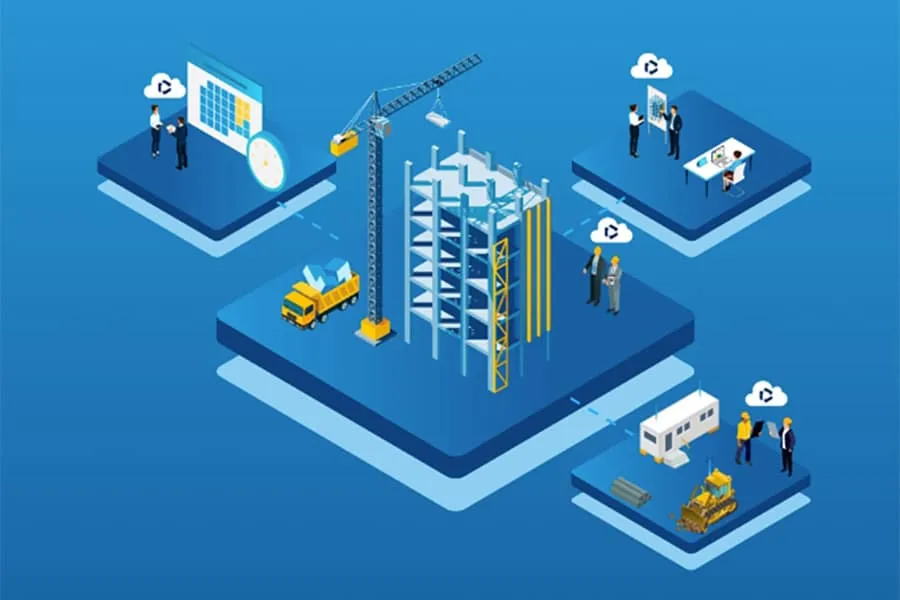
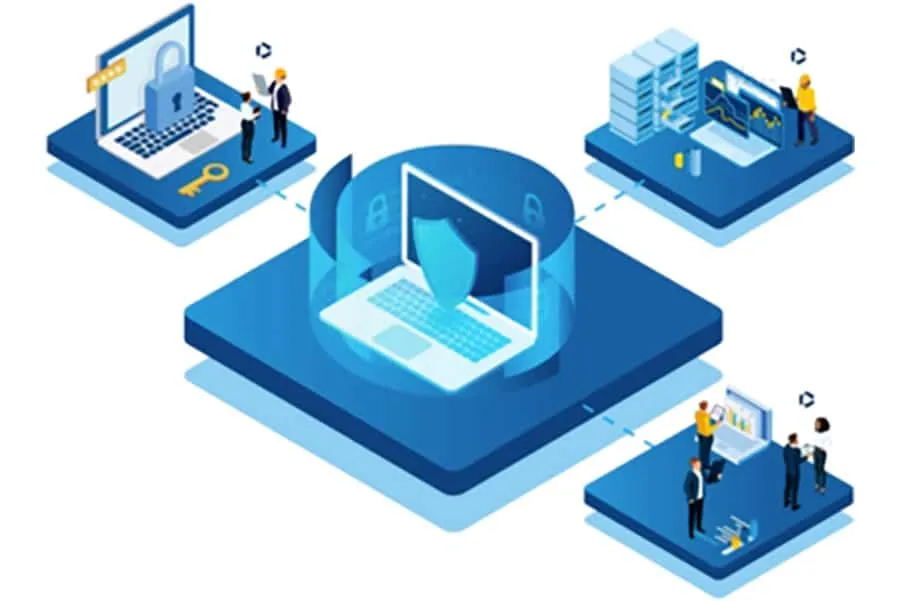
Sander describes Trimble Connect as a link connecting Trimble Access software with Trimble Sync Manager and Trimble Business Center. It integrates systems to make workflows more efficient. The connection is made via a digital cloud: Trimble Connect. Projects are stored there, and data collected in the field is uploaded directly. The data can then be downloaded from there and, if required, exported straight to Trimble Business Center.
Time savings
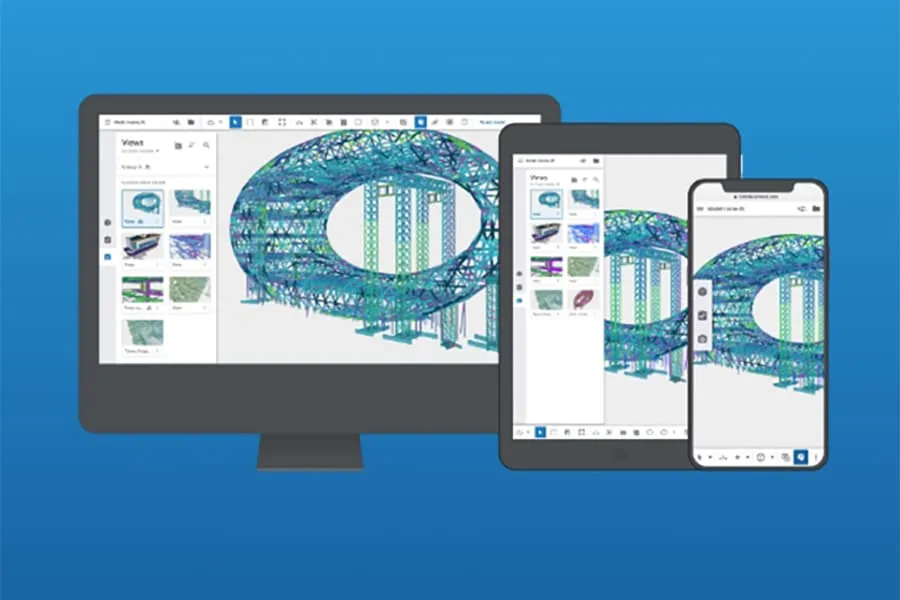
Working with Trimble Connect saves time. Whereas previously a field worker had to go to the office to communicate about projects and exchange data, they can now do this with a field controller in hand. Using Trimble Connect, field workers can open projects on site, carry out the work and upload the data at the end with a simple press of a button. Office staff can get straight to work with the data. Surveyors can also easily exchange data online on the same project. Without meeting in person, they can, for example, check a project's progress or use one another's control points. This is an advantage, according to Sander: “Surveying is a job where you are somewhere different in this beautiful country every day. By connecting online, we save surveyors a lot of travelling. With traffic as busy as it is these days, that is obviously a great benefit.”
Data secure from the outset
Using Trimble Connect removes the need for USB sticks. Data is now uploaded directly to the online platform. As well as saving time, the main benefit is that the data is secure straight away. As a result, you rarely see USB sticks at Siegers Landmeetkunde, although there are exceptions, according to Sander: “We do use a USB stick when we go scanning. We collect so much data that uploading it can be challenging.”
Greater flexibility
Another benefit Sander appreciates is that this way of working allows for greater flexibility. Urgent jobs can be fitted in more easily. Sander once managed to complete an urgent job within an hour: “The job was on a surveyor’s route. I quickly set up the project, and the surveyor was able to go straight to the site. I had the data in no time and was able to deliver the drawing to the client. The job was on the other side of the country, and we would never have been able to complete it so quickly otherwise.”
A shared point of reference
Working with Trimble Connect makes it possible to load digital background maps on site. Surveyors no longer have to search for boundaries themselves with a map in hand. Sander says this reduces the risk of miscommunication and disputes: “Both the office staff and the surveyor in the field have exactly the same point of reference: the digital background map.”
Workflow or Business
Trimble Connect comes in two versions: Workflow and Business. Trimble Connect Workflow is the entry-level option. It allows you to create one project with up to five participants, with a maximum storage capacity of 10 GB. Sander soon decided he needed more space. Siegers Landmeetkunde upgraded its account to Trimble Connect Business. With this version, they assign seven seats to seven individual Trimble Connect accounts. As the licence holder, Sander can create projects for all these individual accounts. They pay less than 100 euros per month for this.
How do you get started with Trimble Connect?
Siegers Landmeetkunde uses Trimble Access (version 2018 or later), so Trimble Connect is free. Don’t use Trimble Access? It can also be linked to the Trimble software packages Trimble Business Center, TerraFlex, Penmap for Android, SiteVision and SketchUp. To get started, send an implementation request to the support department at Geometius. They will appoint one person within the organisation as administrator, who can assign licences and roles to field controllers across the organisation, so you can start improving your workflows straight away.
A business enquiry for Geometius? Get in touch
Companies in this story
Keep following this
Get an email when a new story is published. No account needed.
- SubjectSurveying & geo-ICT
- CompanyGeometius